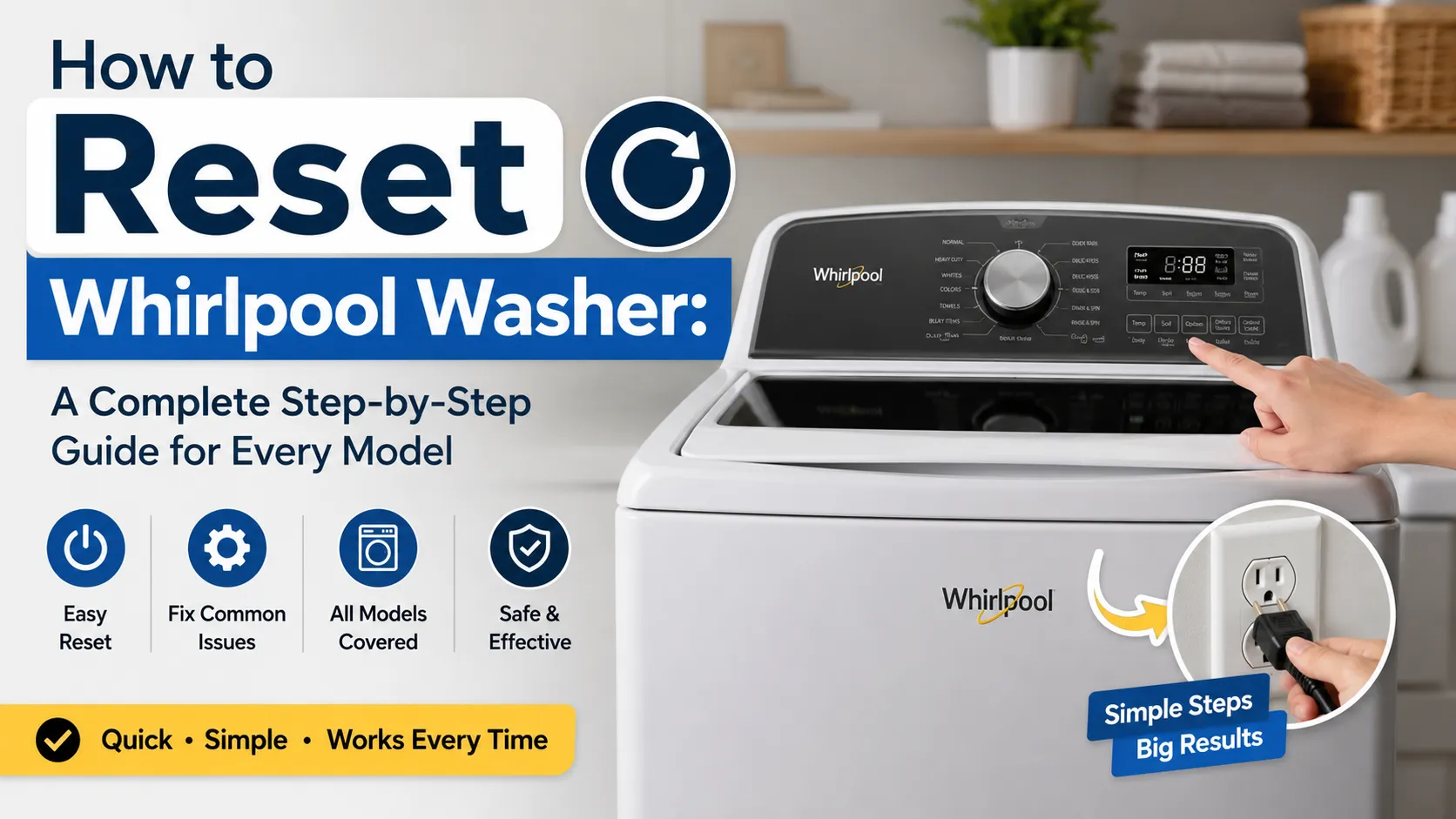

How to Reset Whirlpool Washer: A Complete Step-by-Step Guide for Every Model
A Whirlpool washer that suddenly stops mid-cycle, shows an error code, or won’t start doesn’t always have a major mechanical problem. In many cases, a simple reset can restart the control board, clear temporary software glitches, and restore normal operation within minutes.
If you’re looking for how to reset Whirlpool washer, the right method depends on your washer model and the issue you’re experiencing. While many Whirlpool washers can be reset with a simple power cycle, others may require a lid-reset sequence or calibration mode.
This guide explains the most effective reset methods, when to use them, and what to do if a reset doesn’t solve the problem. Whether you own a top-load, high-efficiency, or touch-screen Whirlpool washer, you’ll find clear, step-by-step instructions for homeowners across the USA.
Quick Answer: How Do You Reset a Whirlpool Washer?
In most cases, turn the washer off, unplug it for about one minute, then plug it back in and restore power. Some Whirlpool models can also be reset using a lid-opening sequence or by entering calibration mode. The correct reset method depends on your washer model and the problem you’re trying to fix.
What Does Resetting a Whirlpool Washer Actually Do?
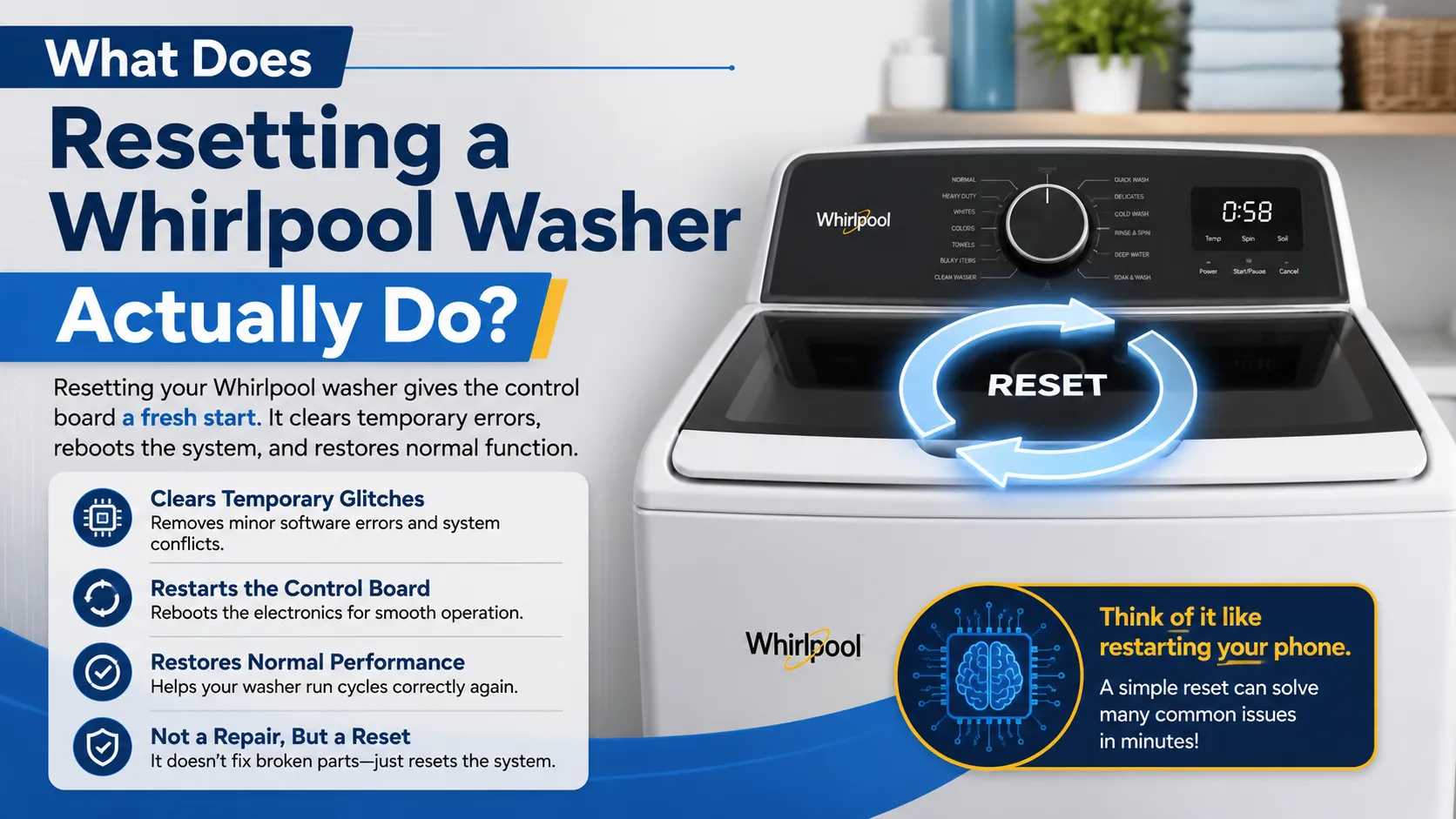
A reset is often misunderstood. It does not repair broken parts or erase every stored setting. Instead, it allows the washer’s electronic control board to restart, much like restarting a computer or smartphone.
During normal operation, the washer continuously processes information from sensors, the motor, the water inlet valves, the lid lock, and the drain pump. Occasionally, power interruptions, incomplete wash cycles, voltage fluctuations, or communication errors can cause the control board to become temporarily confused.
When this happens, the washer may stop responding even though none of its major components have failed. Resetting the washer clears these temporary electronic issues and gives the control system a fresh start. In many situations, a reset can resolve problems such as:
- A washer that won’t start after a completed cycle
- Buttons that no longer respond
- A cycle that freezes before completion
- Unexpected error messages
- Incorrect cycle timing
- Display glitches
- Temporary communication errors between internal components
However, if a mechanical component such as the drain pump, motor, lid lock, or water inlet valve has actually failed, resetting the machine will not repair the underlying issue.
When Should You Reset a Whirlpool Washer?
Knowing when to perform a reset can save both time and unnecessary repair costs. Many homeowners assume every malfunction requires professional service, but electronic glitches are surprisingly common.
A reset is usually worth trying when the washer suddenly begins behaving differently without any obvious physical damage. Some of the most common situations include:
Problem | Can a Reset Help? | Additional Notes |
Washer won’t start | Often | Check power supply first |
Display is frozen | Yes | Common after power interruptions |
Cycle stopped unexpectedly | Often | Especially after voltage fluctuations |
Touch buttons don’t respond | Yes | Frequently resolved by rebooting the control board |
Error code appears briefly | Sometimes | Depends on the specific error |
Washer makes grinding noises | No | Usually indicates a mechanical problem |
Water leaks | No | Requires inspection and repair |
As a general rule, if the problem appears electronic rather than mechanical, resetting the washer should be your first troubleshooting step.
Why Do Whirlpool Washers Sometimes Need a Reset?
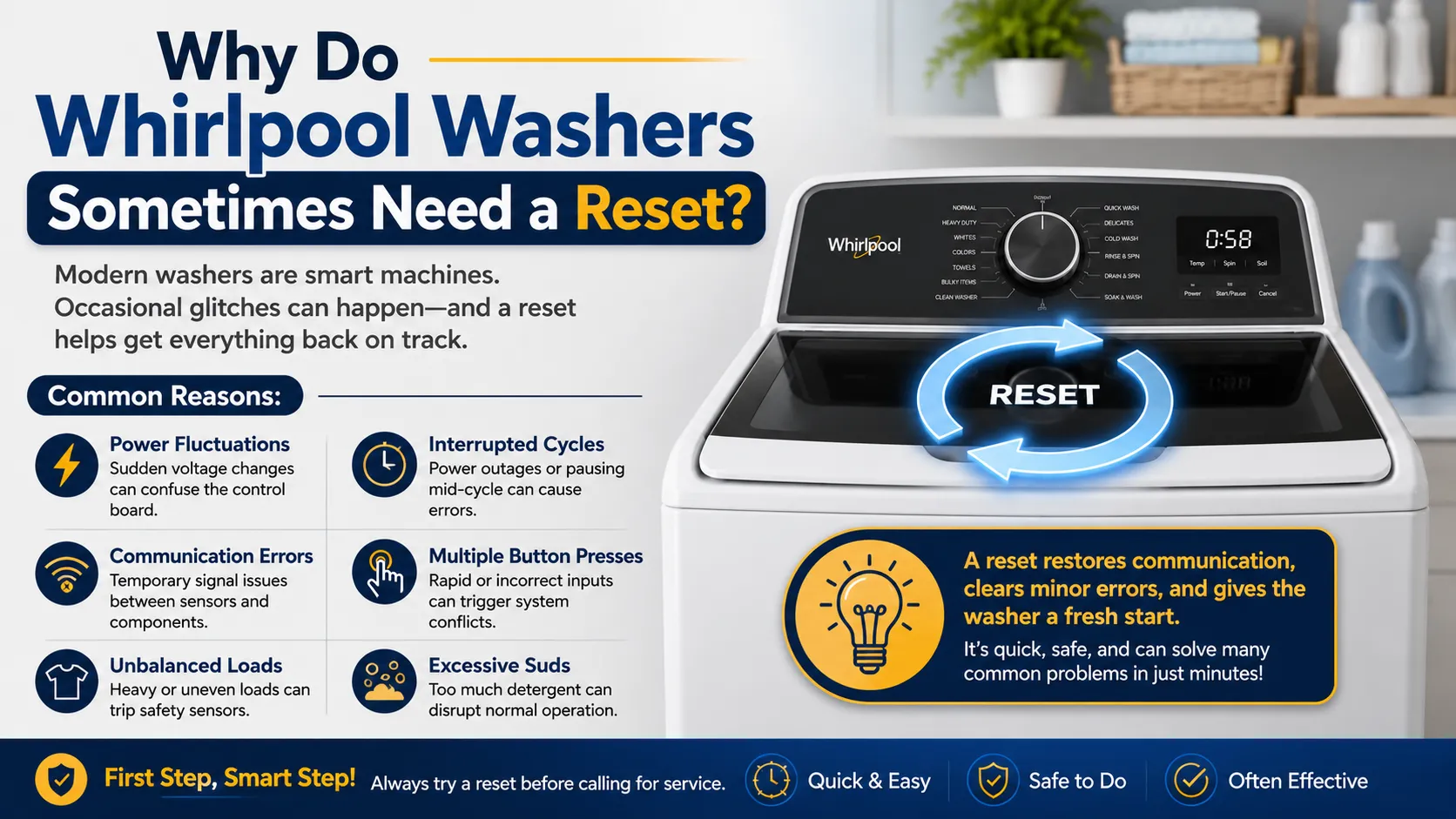
Modern Whirlpool washing machines are significantly more advanced than older models. Instead of relying only on timers and switches, today’s machines use microprocessors that constantly monitor every stage of the wash cycle.
While these intelligent systems improve efficiency, they also introduce situations where temporary software interruptions can occur. Some of the most common causes include:
- Sudden power outages during a wash cycle
- Voltage spikes after electricity is restored
- Interrupted wash programs
- Multiple rapid button presses
- Temporary sensor communication failures
- Failed lid-lock verification
- Software timing conflicts
- Incomplete diagnostic cycles
These issues rarely indicate permanent damage, which is why resetting often restores normal operation.
Before You Reset Your Whirlpool Washer
Before attempting any reset procedure, take a few moments to perform a basic inspection. This simple check helps determine whether the problem is electronic or caused by something more obvious. Look for the following:
- Make sure the power cord is securely connected.
- Verify that the household circuit breaker hasn’t tripped.
- Confirm that both hot and cold water supply valves are fully open.
- Check that the washer lid or door closes completely.
- Remove any overloaded or uneven laundry if the drum is excessively full.
- Ensure the washer is sitting level on the floor.
These basic checks may solve the issue without requiring any reset at all.
Method 1: How to Reset a Whirlpool Washer Using the Power Cycle
For most Whirlpool models, performing a power cycle is the simplest and most effective reset method. This technique works by completely removing electrical power from the control board, allowing stored temporary data to clear before the system restarts.
Step 1: Turn the Washer Off
If the control panel is still responsive, press the Power button to switch the washer off. If the controls have frozen, simply proceed to disconnect the power source.
Step 2: Disconnect Electrical Power
Unplug the washer from the wall outlet. If the plug is difficult to access, switch off the dedicated circuit breaker supplying the washer. Leaving the machine disconnected for approximately one minute allows residual electrical charge inside the control board to dissipate.
Many appliance technicians recommend waiting two to five minutes for stubborn electronic glitches, especially after power surges.
Step 3: Restore Power
Reconnect the power cord or turn the circuit breaker back on. Allow the control panel a few seconds to initialize before pressing any buttons. Some models briefly illuminate every indicator light during startup. This is completely normal and simply indicates the control board is completing its self-check.
Step 4: Test a Short Wash Cycle
Instead of immediately starting a full load of laundry, run a quick rinse or short wash cycle. This confirms that:
- The control panel responds correctly,
- The washer fills with water,
- The drum rotates normally, and
- The cycle progresses without interruption.
If everything operates normally, the reset has likely resolved the issue.
Does Unplugging Always Reset a Whirlpool Washer?
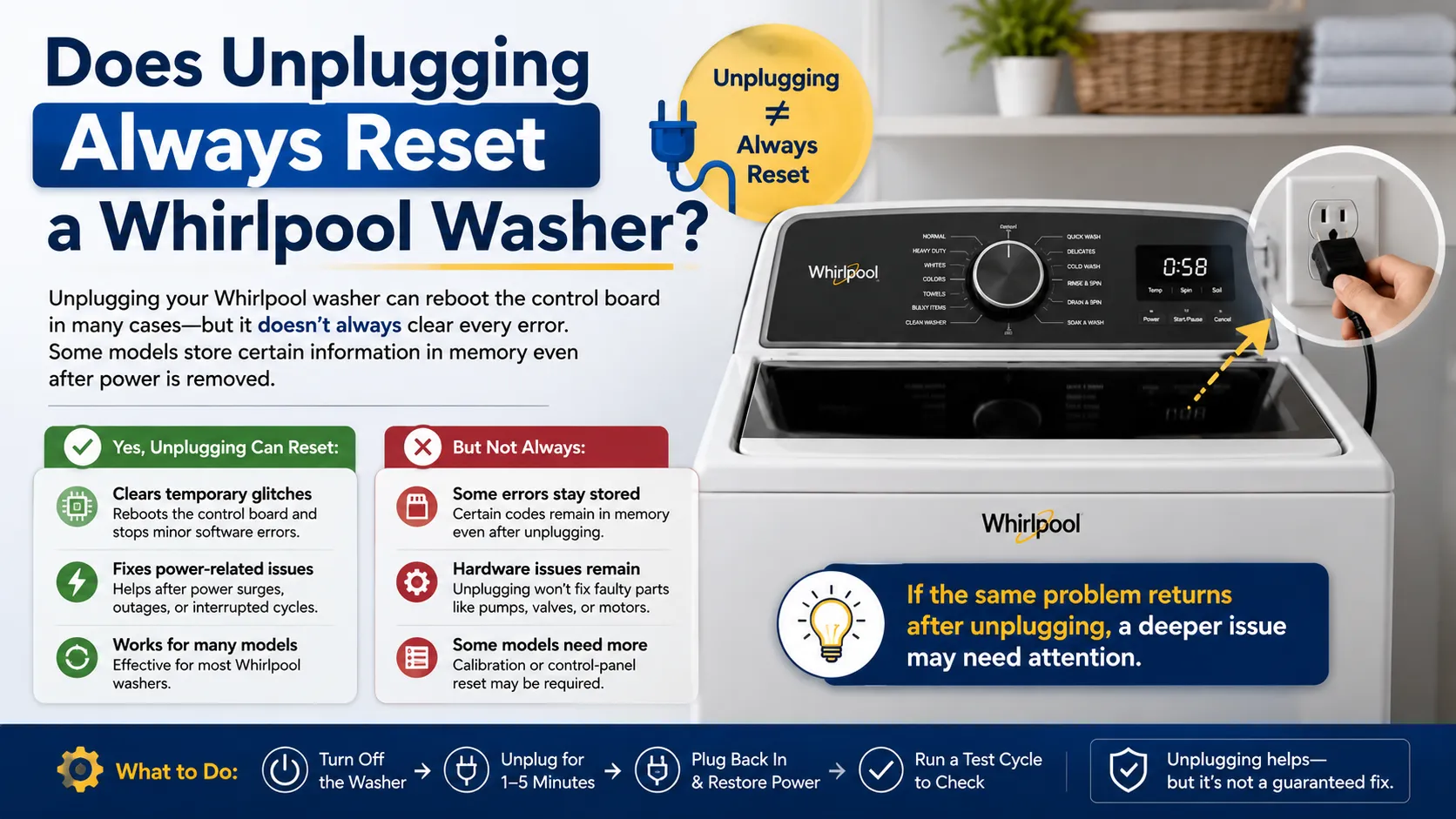
Not necessarily. While unplugging works for many Whirlpool washing machines, some newer models store certain diagnostic information in non-volatile memory. In these cases, disconnecting power may restart the control board without clearing every stored fault.
Certain high-efficiency models require a control-panel reset sequence or calibration mode instead of a simple power cycle. Understanding which reset method matches your washer model can prevent unnecessary troubleshooting and reduce the chances of repeating the same problem.
How to Reset a Whirlpool Washer Without Unplugging
Not every laundry room makes it easy to reach the power outlet behind the washer. Fortunately, several Whirlpool models allow you to perform a reset without disconnecting the power cord.
This method is particularly useful if your washer is built into a tight laundry space or connected to a dedicated electrical outlet that isn’t easily accessible. The exact process varies slightly between models, but most electronic-control Whirlpool washers respond to one of the following approaches.
Method 1: Turn the Washer Off Using the Power Button
If your washer still responds to button presses, begin by switching it off. Leave the machine powered off for about one minute before pressing the Power button again. This allows the control board to complete a soft restart without removing electrical power. Although this isn’t as thorough as unplugging the washer, it often resolves minor software glitches.
Method 2: Use the Lid Reset Sequence
Many Whirlpool top-load washers include a built-in control reset sequence. To perform it:
- Make sure the washer is in Standby Mode.
- Open and close the lid six times within approximately twelve seconds.
- Each lid movement should fully open and fully close.
- Wait a few seconds.
If the sequence is accepted, the control board resets and the washer may automatically enter a diagnostic or ready state. This method only works on compatible top-load models and should be performed smoothly rather than quickly forcing the lid.
Method 3: Cancel the Current Cycle
If the washer is stuck during a wash program but the control panel still works, press the Pause/Cancel button. Wait about 10–15 seconds before selecting a new cycle. Sometimes the machine simply needs to clear the previous cycle before accepting a new command.
Can Every Whirlpool Washer Be Reset Without Unplugging?
No. Older mechanical timer models generally require a complete power interruption, while newer electronic models offer several software reset options.
Whether the procedure works depends on the washer’s control system rather than its age alone. If one reset method fails, it doesn’t necessarily mean the washer has a serious fault. It simply means another reset procedure may be required.
How to Reset a Whirlpool Washing Machine Top Load
Top-load Whirlpool washers remain among the most popular washing machines in American homes because of their reliability and simple operation. Even so, they can occasionally experience electronic interruptions that require a reset.
The reset process is usually straightforward. Start by ensuring the washer is not actively filling or draining. If it has stopped mid-cycle, press Pause/Cancel once and allow the machine to respond. If nothing happens, switch the washer off and leave it idle for about a minute before restoring power.
For compatible models, the lid-opening sequence described earlier is often enough to reset the control board without disconnecting electricity. After resetting, avoid immediately washing a large load. Instead, run a short rinse cycle to verify that:
- the lid lock engages correctly,
- the drum begins rotating,
- water enters normally,
- and the cycle completes without displaying another error.
This simple test helps confirm that the reset was successful before placing the washer back into regular use.
How to Reset Whirlpool Washer Touch Screen Models
Touch-screen Whirlpool washers provide advanced cycle customization, but they also rely more heavily on software than traditional push-button models. Because of this, frozen displays and unresponsive controls are among the most common complaints.
Fortunately, these problems are often temporary. Begin by pressing the Power button for several seconds. If the screen remains frozen, perform a complete power cycle by turning off the washer through the circuit breaker or unplugging it for one to five minutes.
After power is restored, wait until the display finishes loading before touching any controls. Many users repeatedly press buttons while the system is still starting, which can interrupt initialization and create additional errors.
If the display responds normally after startup, begin with a Quick Wash or Rinse cycle rather than a full load. If the touch panel remains completely unresponsive after multiple reset attempts, the issue may involve the user interface board rather than the main control board.
Why Touch Screens Sometimes Freeze
Unlike traditional washers, touch-screen models constantly communicate between multiple electronic boards. Temporary communication interruptions can occur because of:
- Voltage fluctuations
- Interrupted software updates
- Moisture near the control panel
- Static electricity
- Internal communication delays
Most of these situations disappear after a successful reset. However, repeated freezing may indicate that professional diagnosis is needed.
Whirlpool Washer Calibration Mode Reset
Many modern Whirlpool high-efficiency washers include a built-in calibration mode. Unlike a standard reset, calibration teaches the control board how to accurately measure basket movement, load size, and water levels. Calibration is particularly helpful after replacing parts such as:
- Suspension rods
- Drive components
- Control boards
- Shift actuators
It can also improve washing performance if the machine frequently stops with load-balance errors.
When Should Calibration Be Performed?
Calibration is recommended when:
Situation | Calibration Recommended? |
New control board installed | Yes |
Suspension replaced | Yes |
Washer frequently becomes unbalanced | Often |
Basic software glitch | Usually No |
Error code after repair | Yes |
Regular maintenance | Optional |
Because calibration procedures differ between Whirlpool models, always follow the instructions provided in your owner’s manual or the official service documentation. Using the wrong button sequence may enter diagnostic mode instead of calibration mode.
What Is the Whirlpool Washing Machine Reset Code?
One of the biggest misconceptions online is that Whirlpool washing machines have a universal reset code. They do not. Unlike some appliances that use a single numeric reset command, Whirlpool washers rely on model-specific control sequences. Some diagnostic modes require a combination of button presses.
Others require turning the cycle selector in a specific pattern. Newer touch-screen models often use hidden service menus accessible only through technician procedures. For homeowners, the safest approach is to use the reset procedure recommended for their specific washer model instead of searching for a universal reset code that doesn’t actually exist.
Common Mistakes People Make When Resetting a Whirlpool Washer
A reset only takes a few minutes, but small mistakes can prevent it from working correctly. One of the most common errors is restoring power too quickly. The control board needs enough time to completely discharge before restarting.
Another frequent mistake is beginning a wash cycle immediately after restoring power. Allowing the washer a few seconds to initialize helps the electronic system stabilize before receiving new commands. Some homeowners also continue pressing multiple buttons repeatedly when the control panel appears frozen. This can confuse the system further and delay recovery.
Finally, many people assume every error requires repeated resets. If the same fault returns after several attempts, the washer is likely reporting a genuine mechanical or electrical issue rather than a temporary software problem.
What Should You Do If Resetting the Washer Doesn’t Work?
If you’ve tried the recommended reset method and your Whirlpool washer still isn’t working properly, don’t assume the appliance is beyond repair. A reset only clears temporary electronic issues. If the same problem returns immediately, the washer is likely detecting an actual hardware fault.
Before scheduling a repair, take a few minutes to identify where the problem may be coming from.
Start by checking whether the washer is receiving a stable power supply. A loose outlet, tripped breaker, or voltage fluctuation can prevent the control board from operating correctly. Next, inspect the water supply valves to confirm they’re fully open and that the inlet hoses aren’t kinked.
If the washer powers on but refuses to begin a cycle, the lid lock or door latch may not be engaging properly. Modern Whirlpool washers won’t start until they receive confirmation that the lid is securely locked.
Another possibility is an overloaded drum. High-efficiency washers are designed to balance the load before spinning. If clothing is unevenly distributed, the machine may pause or stop to protect internal components. When none of these checks solve the issue, it’s time to look at any error code displayed on the control panel.
Understanding Common Whirlpool Washer Error Codes
Error codes are the washer’s way of telling you where it detected a problem. While a reset can sometimes clear temporary faults, recurring codes usually point to a specific component that needs attention. Here are some of the most common Whirlpool washer error codes homeowners encounter.
Error Code | What It Usually Means | Can a Reset Fix It? |
F5 E2 | Door or lid lock issue | Sometimes |
F8 E1 | Water isn’t entering properly | Rarely |
F9 E1 | Drain system problem | Usually No |
F0 E2 | Excess detergent detected | Sometimes |
LF | Long fill time | Depends on water supply |
Sud | Excessive detergent foam | Yes, after correcting detergent amount |
Int | Cycle interrupted | Often |
If the same code appears again after resetting the washer, avoid repeatedly restarting the machine. Instead, address the underlying cause before running another wash cycle.
Can a Reset Fix Every Whirlpool Washer Problem?
No. Although resetting is an excellent first troubleshooting step, it cannot repair worn or damaged parts. For example, if the drain pump has failed, resetting the control board won’t restore pumping ability.
Likewise, a damaged motor, faulty inlet valve, broken suspension rod, or defective control board requires repair or replacement rather than another reset. Think of a reset as restarting a computer. It can solve temporary software issues, but it won’t repair damaged hardware.
How to Reset a Whirlpool Washer After a Power Outage
Power outages are one of the most common reasons homeowners search for how to reset Whirlpool washers in Los Angeles after an electrical interruption. While this keyword often includes a city name, the reset process is essentially the same across the United States.
When electricity returns after an outage, the washer’s electronic control board may not restart correctly if power fluctuated while the appliance was running. To safely restart the washer:
- Turn the washer off if it’s still powered on.
- Wait for household electricity to stabilize.
- Unplug the washer or switch off the dedicated circuit breaker for about one minute.
- Restore power.
- Allow the control panel to finish initializing.
- Run a short rinse or quick wash cycle before starting a full load.
If the washer displays a new error code after the outage, refer to your owner’s manual before attempting additional resets.
Whirlpool Washer Reset Tips for Homeowners in Los Angeles
Many people also search for how to reset Whirlpool washers in Los Angeles because power fluctuations, apartment electrical systems, and seasonal utility interruptions can occasionally affect electronic appliances.
However, your location doesn’t change the reset procedure. Whirlpool washers use the same control systems regardless of whether they’re installed in Los Angeles, New York, Chicago, Houston, or anywhere else in the USA.
The only difference is that homes experiencing frequent voltage changes may benefit from having the washer connected to a properly grounded outlet or a surge protector designed for major appliances, if recommended by the manufacturer or a qualified electrician.
How to Prevent Whirlpool Washer Problems in the Future
Most resets become unnecessary when the washer is maintained properly. While no appliance is completely maintenance-free, a few simple habits can help reduce electronic errors and extend the life of your washing machine. Regular care includes:
- Avoid overloading the drum beyond the recommended capacity.
- Use only the amount of HE detergent recommended for your model.
- Leave the lid or door slightly open after washing to reduce moisture buildup.
- Clean the detergent dispenser and lint filter, if your model has one.
- Inspect water hoses periodically for leaks or restrictions.
- Keep the washer level to minimize vibration during the spin cycle.
Preventive maintenance won’t eliminate every issue, but it can significantly reduce unexpected interruptions.
Frequently Asked Questions
How long should I unplug my Whirlpool washer to reset it?
For most models, leaving the washer unplugged for one minute is enough to restart the control board. If the problem persists, waiting up to five minutes may help clear temporary electronic glitches.
Can I reset my Whirlpool washer without unplugging it?
Yes. Many Whirlpool models allow a reset using the Power button, Pause/Cancel function, or the lid-opening sequence. The available method depends on your washer model.
Does resetting erase my washer settings?
No. A standard reset clears temporary operating errors but doesn’t permanently erase factory settings or stored wash programs.
Why does my Whirlpool washer keep asking for a reset?
If your washer repeatedly requires resetting, it’s usually a sign of an underlying issue such as a faulty sensor, lid lock problem, drain issue, or failing control board. Repeated resets should not be considered a permanent solution.
Is calibration the same as resetting?
No. A reset restarts the washer’s electronic controls, while calibration helps the machine accurately measure basket movement, load size, and water levels. They serve different purposes.
Should I call a technician if resetting doesn’t work?
Yes. If you’ve followed the correct reset procedure and the washer still won’t operate normally or if the same error code keeps returning a professional diagnosis is the safest next step. Continuing to reset the washer without addressing the root cause may lead to further problems.
Conclusion
Knowing how to reset Whirlpool washer can save time and help fix many common electronic issues without a service call. The right reset method depends on your washer model, whether it requires a simple power cycle, a lid-reset sequence, or calibration mode.
If the washer works normally after resetting, keep an eye on it during the next few wash cycles. However, if the same error keeps returning, the problem likely requires further inspection or repair.
With regular maintenance and proper use, most Whirlpool washers deliver reliable performance for years. Understanding when and how to reset your washer is an easy way to keep it running smoothly and reduce unexpected interruptions.